
Live context
One hour, without leaving the moment
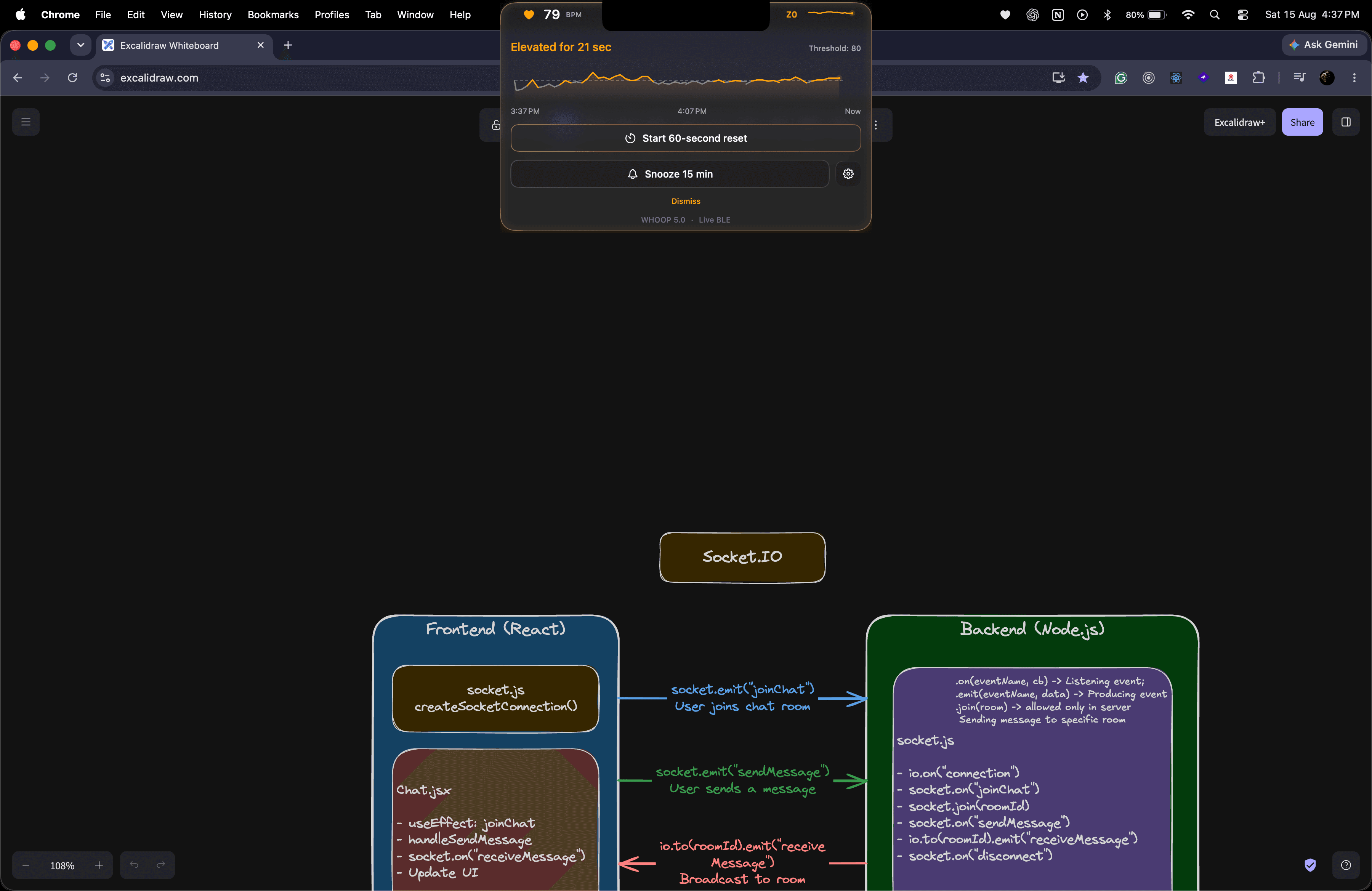
The expanded view keeps a rolling one-hour, minute-average trend. Hovering reveals the time and BPM while collection continues live.
Native macOS App
2026
Live WHOOP heart rate, designed around the MacBook camera cutout.
A local macOS companion that reads WHOOP 5.0 Heart Rate Broadcast directly over Bluetooth Low Energy, then turns live BPM into a cutout-aware display, a rolling one-hour trend, and user-set threshold cues.
macOS 13+ · M1 or newer · v0.1.0
Requirements and installation
Once downloaded, open PulseNotch.dmg and drag Pulse Notch into the Applications shortcut in the installer window.
Eject the disk image, then try to open Pulse Notch from Applications once.
After macOS blocks it, open System Settings, then Privacy & Security.
Scroll to Security, click Open Anyway for Pulse Notch and authenticate if asked.
Confirm Open, then allow Bluetooth access and follow setup to select your WHOOP explicitly.
Open Anyway appears only after the blocked launch attempt and may be available for a limited time. A work- or school-managed Mac can hide or disable it; contact your administrator rather than bypassing that policy.
Pulse Notch is an independent wellness project, not a medical device, and is not affiliated with, endorsed by or sponsored by WHOOP. Its zones, colors and coaching cues are calculated by Pulse Notch, not official WHOOP classifications.
Built around the cutout
Compact
Live BPM on the left; locally derived zone and a 60-second trend on the right.
Expanded
One-hour context, threshold state, reset, snooze and settings in a single panel.
Full screen
Keep the compact view, hide it automatically, or enable presentation privacy.
Live context while you work
Pulse Notch keeps live BPM and its recent pattern nearby. It cannot explain why heart rate changed, but it can help you connect the signal with your own work and how you feel.
01
Separate one brief spike from a heart-rate change that continues through a demanding task, call or otherwise quiet desk day.
02
Use your personal sustained threshold to consider a short breathing pause or walk instead of relying only on a fixed timer.
03
Watch the next few minutes to see whether breathing or a short walk is followed by a calmer live reading.
04
Notice which tasks or calls often coincide with higher BPM, then leave a short buffer around them when possible.
Direct BLE flow
Pulse Notch listens to the standard Bluetooth Heart Rate Service. It does not start workouts, change WHOOP settings or write data back.
01
Heart Rate Broadcast is enabled on WHOOP 5.0.
02
The wearable advertises Heart Rate Service 180D.
03
The Mac subscribes to measurement characteristic 2A37.
04
BPM, chart history and threshold cues update locally.
Designed for the background
Live context
The expanded view keeps a rolling one-hour, minute-average trend. Hovering reveals the time and BPM while collection continues live.
Quiet coaching
A user-set threshold, sustained-duration check, snooze and restrained cooldown prevent a single noisy reading from becoming a distraction.
Connection resilience
Nearby heart-rate monitors are shown for the user to choose. A device is remembered only after it delivers a valid reading, with wake recovery and stale-reading protection built in.
Privacy by architecture
There is no Pulse Notch account, developer-operated backend, analytics, cloud history or WHOOP cloud API connection. The app listens to BLE and does not write back to the wearable.
Pulse Notch for macOS
Built for Apple Silicon Macs and WHOOP 5.0 Heart Rate Broadcast.